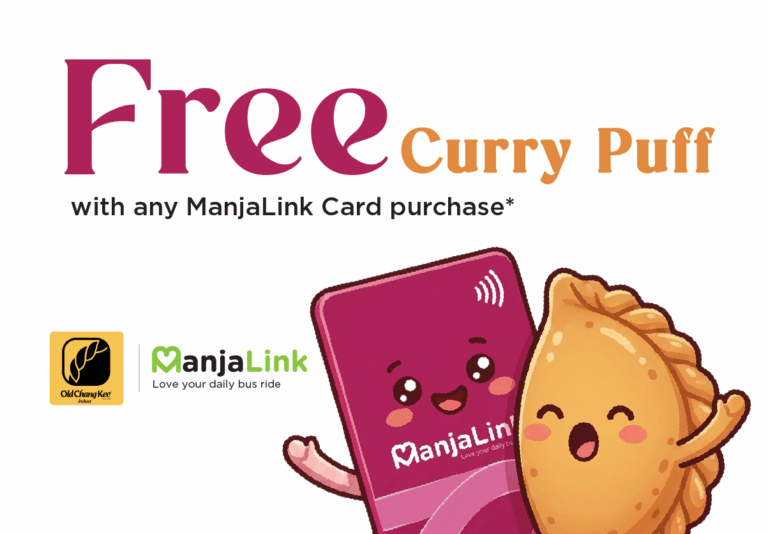
Free Curry Puff with any ManjaLink Card Purchase
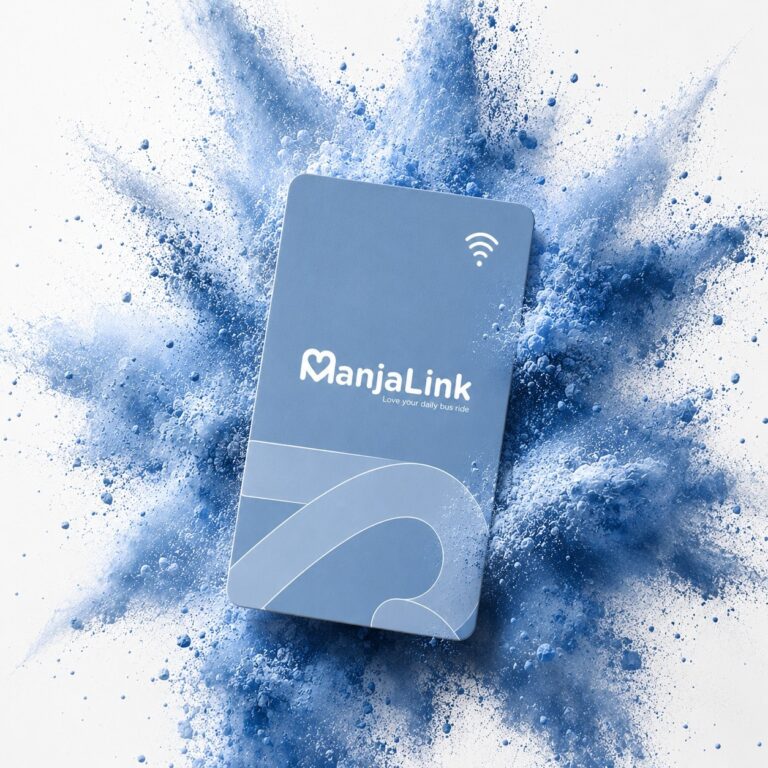
FREE Curry Puff Alert! 🥟💳 Your daily commute just got a whole lot tastier! We’ve partnered with Old Chang Kee Johor to bring you the ultimate travel treat. Buy ANY ManjaLink Card and score a voucher for 1 FREE Old Chang Kee Curry Potato Puff! Campaign period: 14 August 2026 – 31 December 2026, or until fully redeemed (whichever comes first) How to Grab Yours: Where to Buy Your ManjaLink Card: Where to Redeem Your Free Curry Puff: 📍 AEON Bukit Indah – Lot G13📍 KSL City Mall – LG-DF007📍 JBCC – B1-K05 & K06📍 Old Chang Kee Factory – Setia Business Park Gelang Patah ⚡ First come, first served, get yours before it ends up in someone else’s stomach! Terms & Conditions (I) Campaign valid from 14 August to 31 December 2026, or while stocks last.(II) Purchase one (1) new ManjaLink card at participating Causeway Link counters or vending machines to receive one (1) redemption voucher.(III) One (1) voucher is redeemable for one (1) Old Chang Kee Curry Potato Puff only. No other flavour selection.(IV) Redemption is subject to participating Old Chang Kee outlet operating hours and stock availability.(V) Lost, damaged or expired vouchers will not be replaced.(VI) Vouchers are non-transferable, non-refundable and not exchangeable for cash.(VII) Cancelled or refunded ManjaLink purchases are not eligible.(VIII) Vouchers are issued on a first-come, first-served basis, while Old Chang Kee Curry Potato Puff stocks last.(IX) Causeway Link reserves the right to amend this campaign and its Terms & Conditions without prior notice.